Step-1:
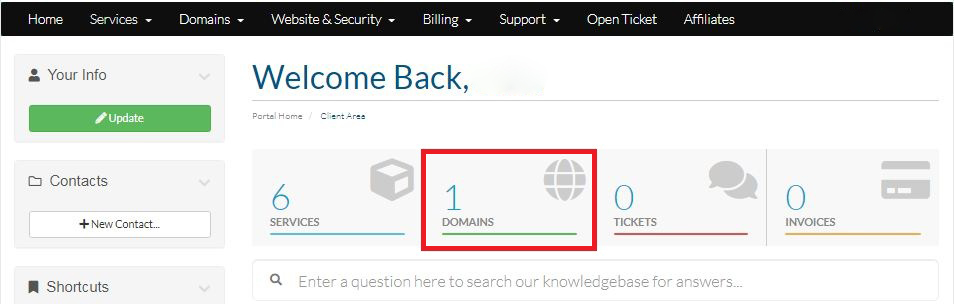
Login to your Hosting Walay client portal and click on the Domains option as displayed by the Red Box below.
Step-2:
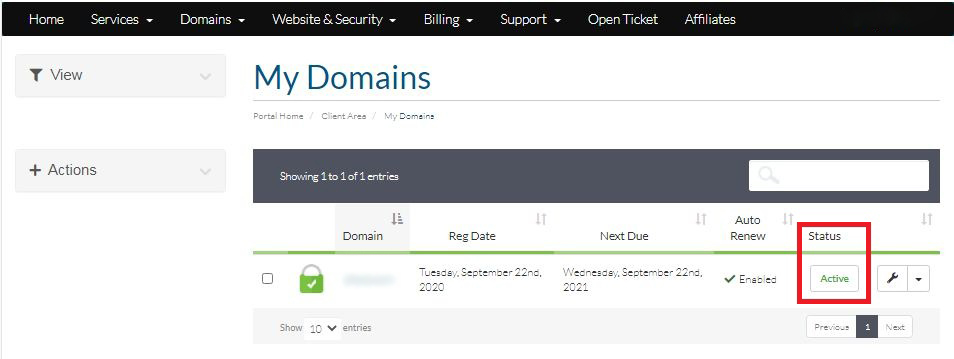
You will see your Domain(s) details and their status as shown by the Red Box in the image.

Step-1:
Login to your Hosting Walay client portal and click on the Domains option as displayed by the Red Box below.
Step-2:
You will see your Domain(s) details and their status as shown by the Red Box in the image.