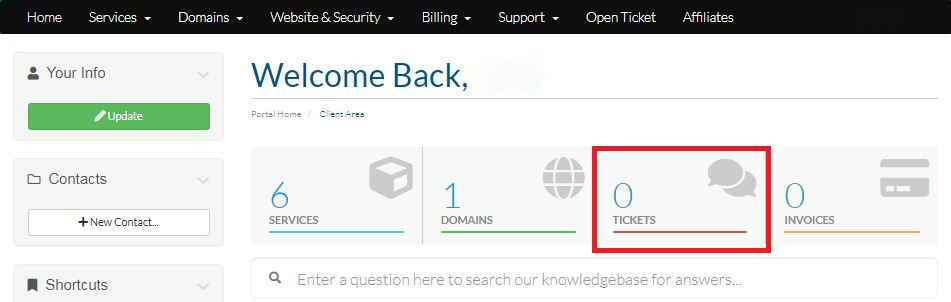
Step-1:
Login to your Hosting Walay client portal and click on the Tickets option as displayed by the Red Box below.
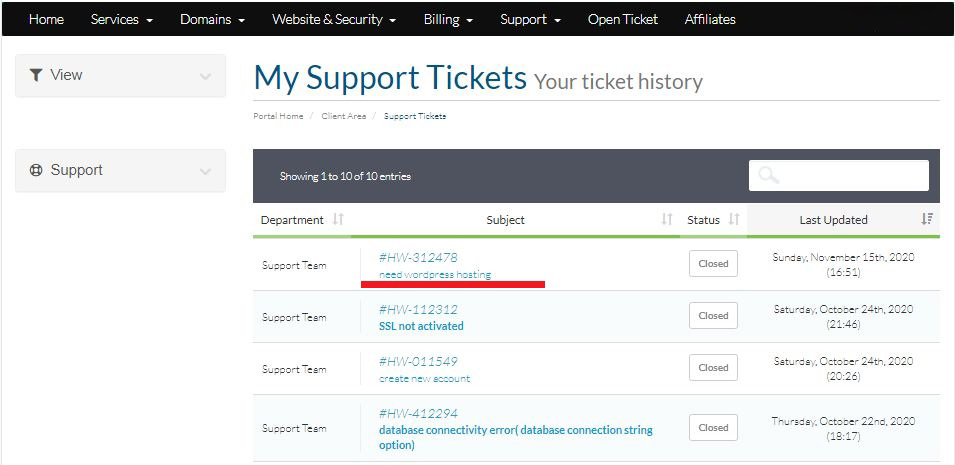
Step-2:
Click on the ticket that you want to close.
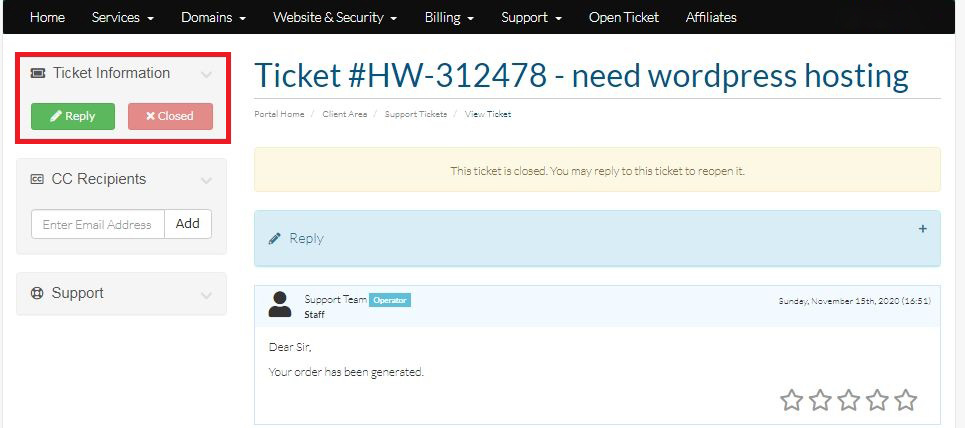
Step-3:
Then click on the Close option located at the left side of the panel as shown below.