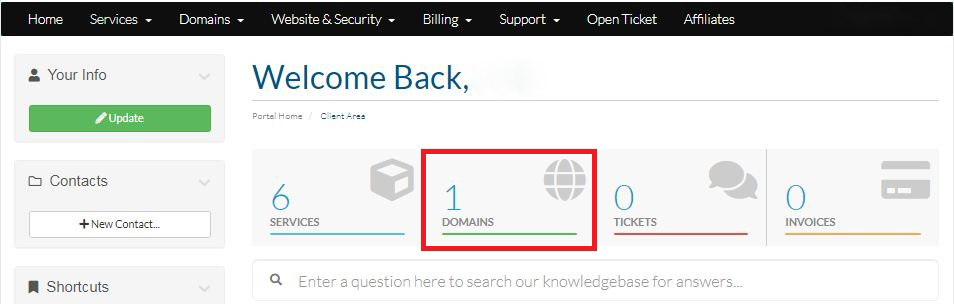
Step-1:
Login to your Hosting Walay client portal and click on the Domains option as displayed by the Red Box below.
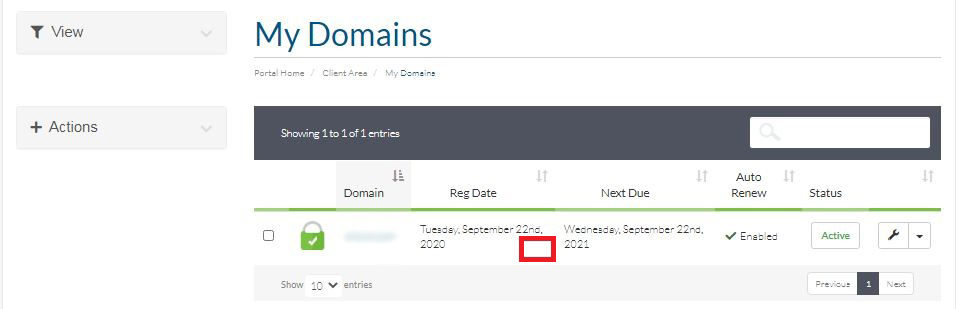
Step-2:
After that you will observe your Domains that you have own and which is currently active in your account. Click on the WHITE PORTION of any of your Domains as shown in the image with the red box.
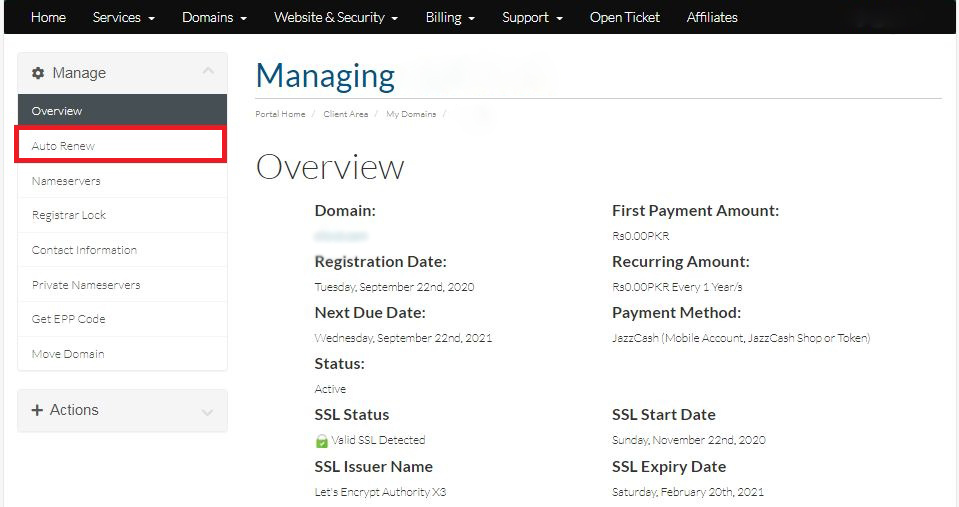
Step-3:
Click on the Auto-Renew option located on the left side of the Overview menu.
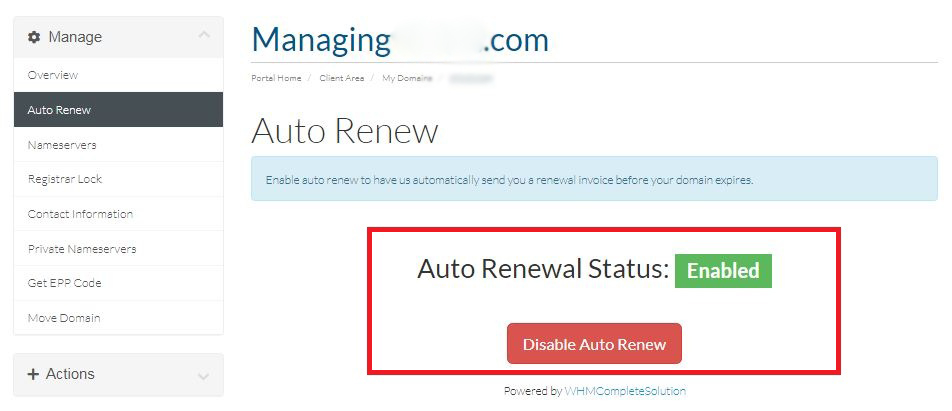
Step-4:
Now you can enable or disable your auto-renewal option.